Features
Everything Kitlig tracks, so you don't have to.
One configurable catalog of pipelines across Image, Video, Audio, and 3D, and one consistent record of how every asset came to exist.
30+ pipelines, one shared catalog
Configured once, not hand-wired per pipeline — new ones show up everywhere a pipeline picker does.
- text-to-image
- image editing (the nano-banana family)
- background removal
- depth estimation
- upscaling
- image-to-3D
- Gaussian splats
- image-to-video
- video-to-video
- sound effects
- text-to-speech
Bring your own key
No markup on your AI usage.
Connect your own API keys and pay each provider directly, at their own rates, no markup added, or skip keys entirely with models that run locally.
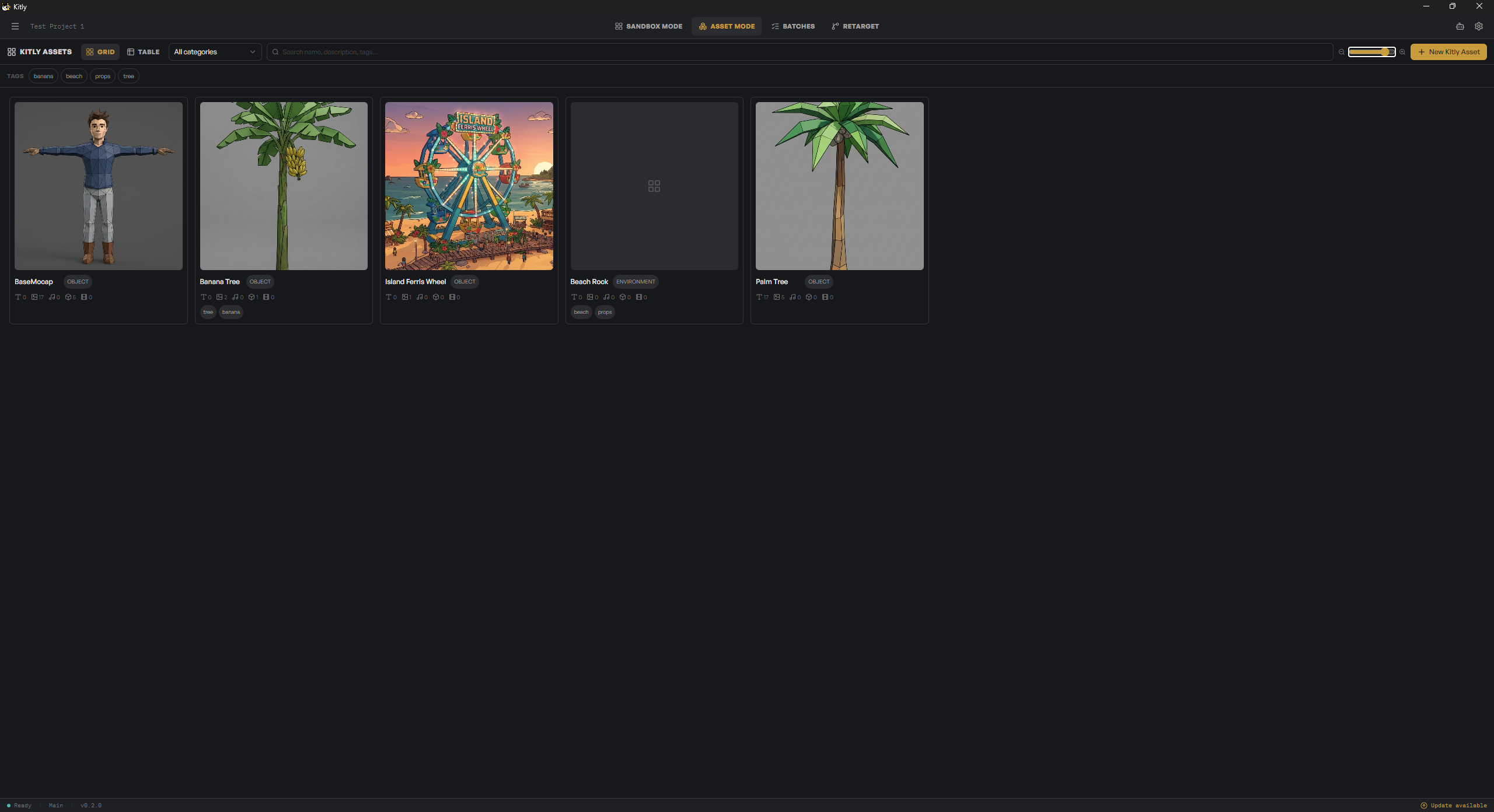
The Kitlig Asset Library
One entity, multiple channels, every variation kept.
Treat a creative entity — “the goblin warrior I'm designing” — as one container spanning Text, Image, Audio, 3D, and Video, each with its own prompt, presets, and references. Every channel keeps a gallery of variations you can rate, comment on, and chain into each other.
Full lineage
Every asset remembers what made it, the operation, provider, and settings behind it, and the asset it came from. Edit an image and the result still traces back, so you can follow the chain or branch off anywhere.
Background job queue
Generations run in the background with live progress, and if you close the app mid-job, they pick back up automatically next launch, so nothing gets silently dropped.
A real file manager
Rename, duplicate, delete, copy and paste, and reveal in your file browser. The Viewer adds zoom, pan, screenshot, and clipboard support, so it feels like a workspace, not just a gallery.
Plain files, your disk
Every project lives entirely on your local filesystem, in plain files you can open outside the app. No proprietary format, no lock-in.
Motion capture & retargeting
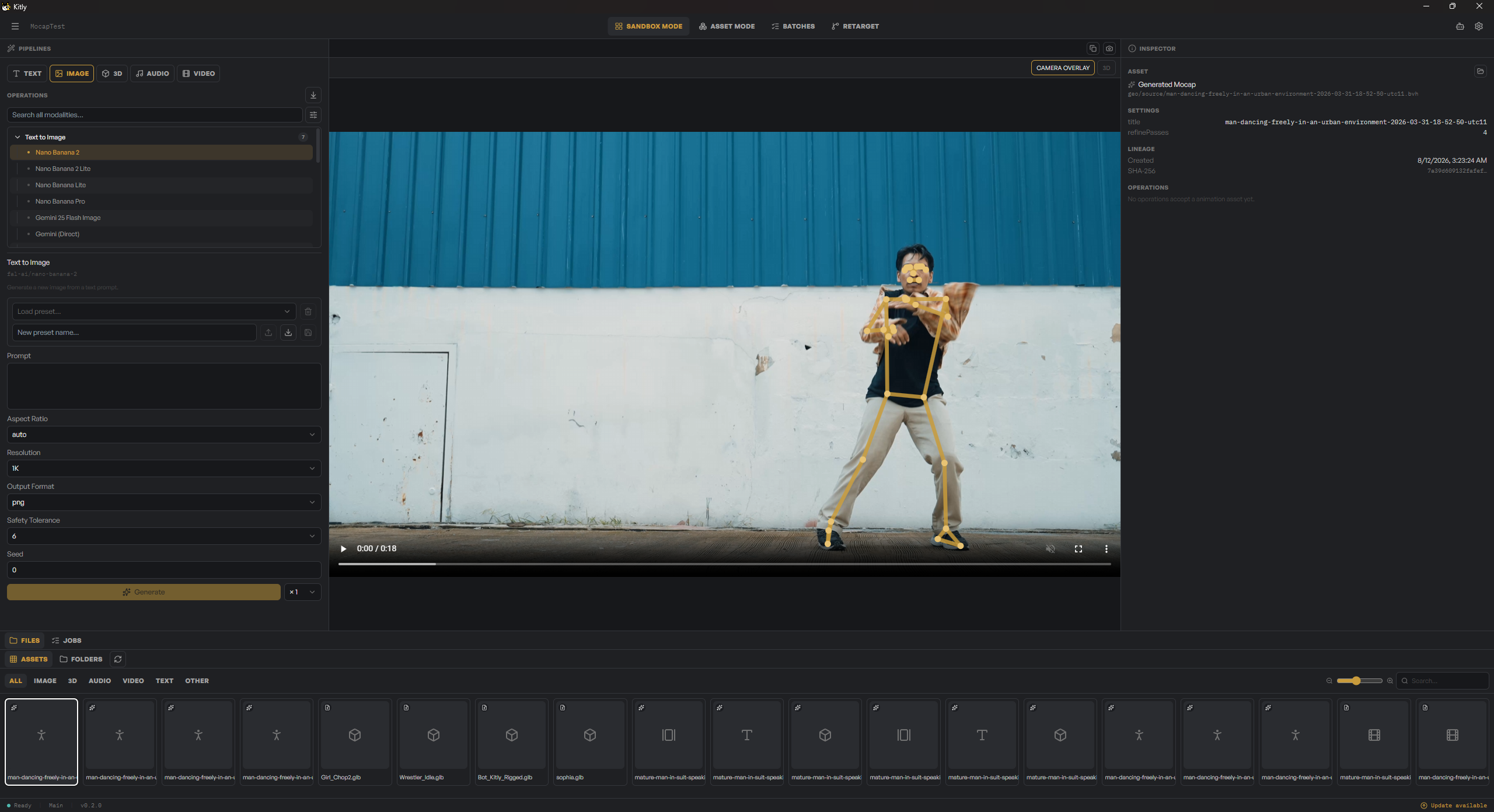
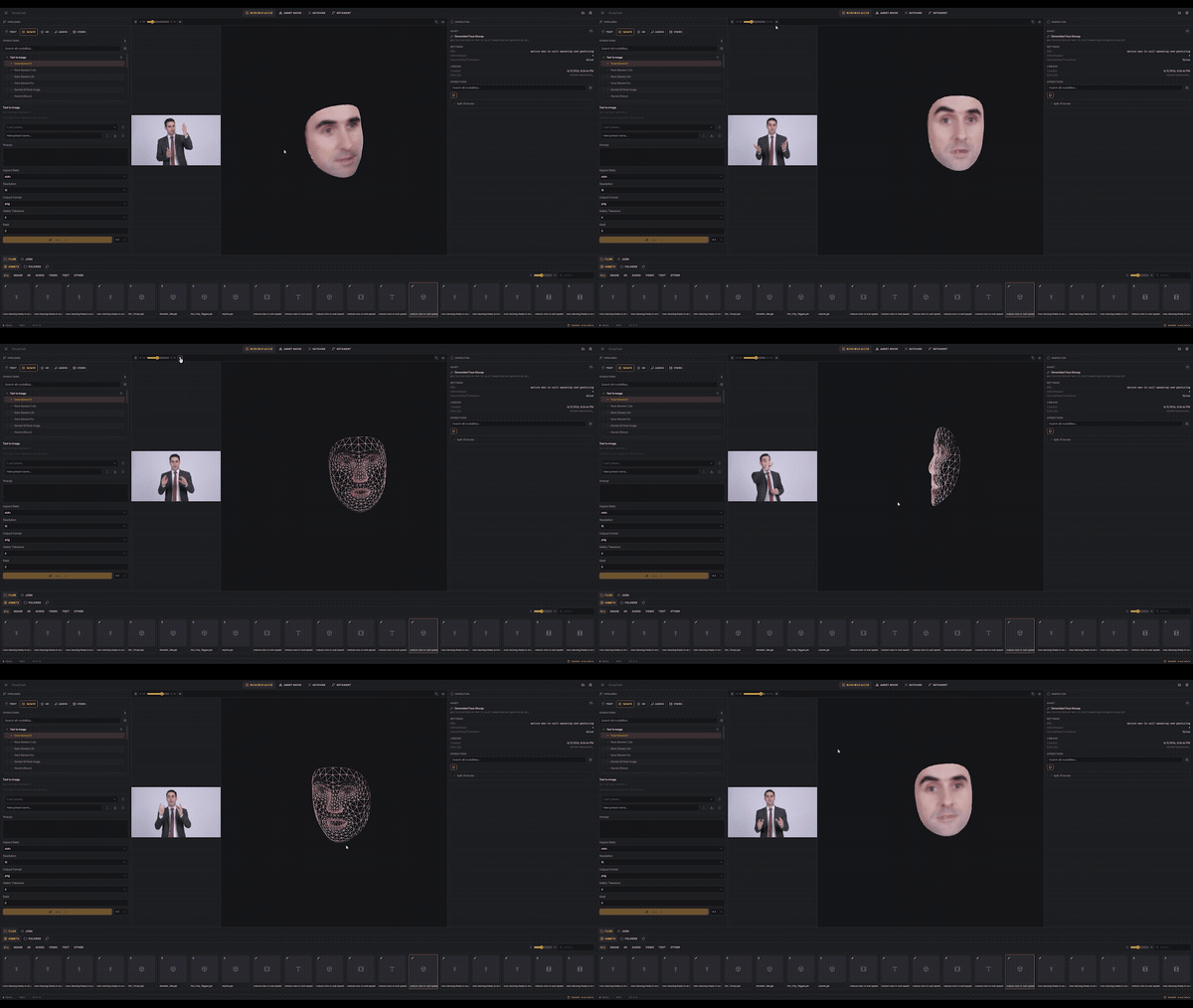
Turn a video into animation on your own rig.
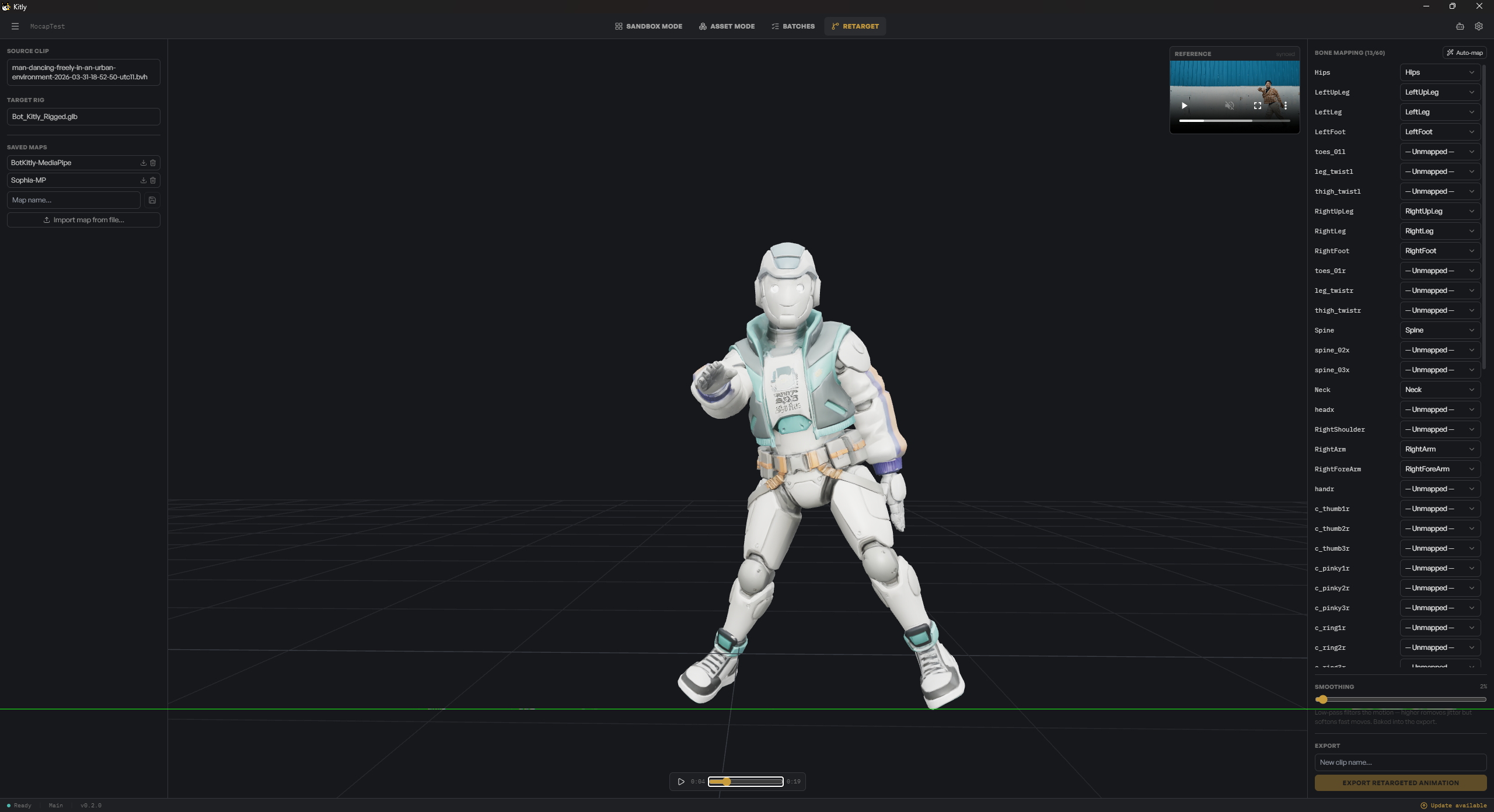
Record body or facial motion from any video and Kitlig tracks it frame by frame. Bring the capture into Retarget mode, where an auto-mapped bone table lines it up against your character rig — adjust individual bones, smooth the result, and save the mapping to reuse on the next character.
The Assistant
A tool-calling chat that runs the pipelines for you.
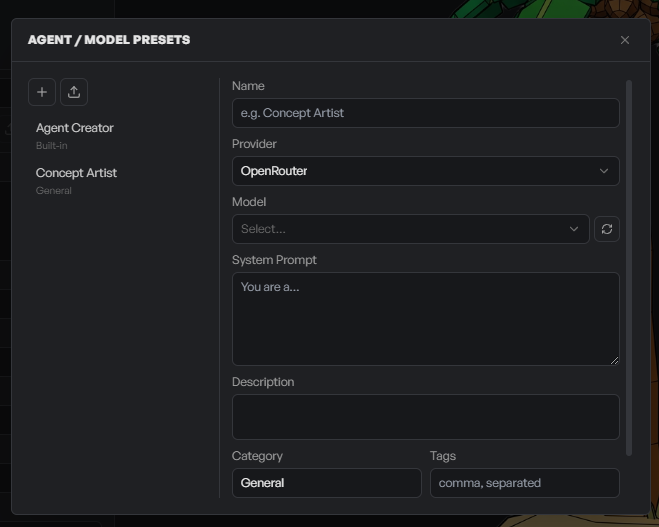
Ask for what you want and the Assistant creates Kitlig Assets and triggers generations on your behalf. Plan mode drafts starting prompts for a goal across channels. Conversations persist across restarts, scoped per-project or per-asset.